
10 Best Video Editing Software for Mac 2020
If you are in search of the best video editing software for Mac computers, it is undoubtedly because you have some experience in the field, no matter how limited it may be. Due to the variation in level and interest, there is a wide range of programs available to accommodate.
This is convenient as it gives you more options in terms of the depth that you want from the software but it can also be an intimidating number of options. To help you narrow things down, consider the following tips and information.
Things to Think About
The factor that will have the most significant impact on deciding which is the best video editing software for Mac will depend on your level of skill.
- Casual Filmmakers. If you are into pointing and shooting with your phone or occasionally using a camera to film, then you might not be overly interested in editing and polishing the final product.
If you are looking to just play around and enjoy the basics then there are software options that include simple features. For a casual user, a drag-and-drop type of software would be preferable as it gives you editing capabilities that are well laid out. You will not have to learn a whole intricate program before working.
- Intermediate Videographers. This category is more for creative enthusiasts that either would like to become professional video editors or are deep into the hobby. As this category is the largest, it is also where you will find some of the best video editing software for Mac overall.
This level of software should still include some training elements for higher-grade features but should also have pro-level concepts that do not need too much explanation for this level of user. For intermediate and professional users, a timeline-based interface program would provide the most flexibility and control in the editing process.
- Expert Level. Professionals that would use video editing in their work or for commercial reasons should invest in the more expensive and more comprehensive software options. These programs often require more serious hardware in terms of speed and storage on the Mac but they also come with more meticulous editing options so are worth the higher cost.
Top 10 Video Editing Software for Mac Table
| Picture | Name | Best Feature | Price | Rating (1-5) |
|---|---|---|---|---|
 | 1. Movavi Video Editor for Mac 3 | Quick installation. | $$ | 4.4 |
 | 2. Apple Final Cut Studio 2 | Edit any file format. | $$$$ | 4.4 |
 | 3. Final Cut Express 4 - Old Version | Watch effects in real time. | $$ | 4.3 |
 | 4. Apple Shake 4.1 Visual Effects (Mac) | Auto-align images from different sources. | $$$ | 4.0 |
 | 5. Adobe Photoshop CS (Mac) | Customize the workplace and tools. | $$$$ | 3.5 |
 | 6. Roxio Toast Titanium 12 Mac | Share directly to social media. | $$ | 3.3 |
 | 7. Final Cut Express 2.0 | Real-time previewing. | $$ | 3.3 |
 | 8. Roxio Toast 14 Titanium | Use video from different sources. | $$ | 3.2 |
 | 9. VideoStudio 6.0 | Suitable for editors of all levels. | $ | 2.8 |
 | 10. Adobe Photoshop Elements | Quick download time. | $$$ | 2.5 |
The Importance of Video Editing Software for Mac
The software you choose will dictate how much editing you can do and in how much detail it can be carried out. It is important to consider this fact as well as your level and to ask yourself how you intend to use the software to guide you towards the right buy.
- Is Automated Editing a Feature That You Want? Many professionals would probably avoid this feature as their skills are much more refined than the program. For a beginner, having the automatic editing can often be a good place to start or a good way to learn about what the software can do.
- Would You Be Using the Software to Combine Video from Different Sources? This is a feature that comes with more advanced programs and can expand your capabilities as an editor tenfold. Consider whether you will need this or not because if this is not the level that you are at then you can save a lot of money and invest in a simpler option. The best video editing software for Mac is the one that will let you work to your capabilities and if you are skilled enough to combine video from various sources or that has been worked on in other programs then this feature is a must.
Top 5 Best Video Editing Software for Mac Reviews
1. Movavi Video Editor
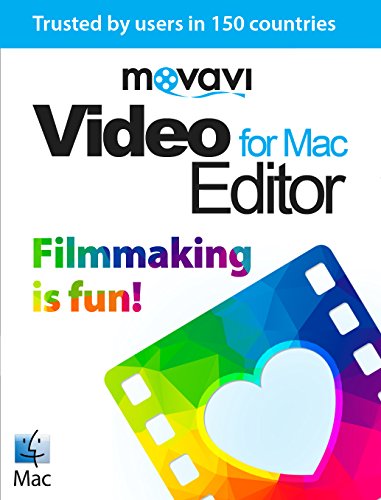
The Movavi Video Editor for Mac 3 Personal Edition is a great tool for anyone that is looking to get into video editing beyond what the computer can do with the system that would come with it.
When you want to edit or fix home videos or make montages of pictures, this is a perfect system. It is straightforward and has all of the necessary effects and transitions that you could need to create a simple but effective video.
The only limits to this software can be seen when you want to use it for more professional editing. It doesn’t have the small detail features that might come in handy for short filmmaking, but if you aren’t looking for something that suits more of a beginner or intermediate level then this software is perfect.
2. Apple Final Cut Studio 2
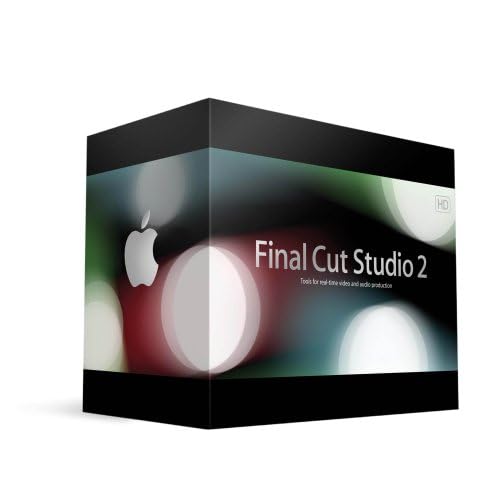
One of the most impressive aspects of using Apple Final Cut Studio 2 is that the material can be matched and sourced. This gives you more freedom in terms of the video that you can use in the editing process.
This is software that would be more useful for a professional as the capabilities are seemingly endless. There are great production options too meaning you can set up the video that you make in a completely interactive DVD.
Whether you have used Final Cut Studio in the past or you are new to video editing in general, this is a program that has everything you could possibly want in terms of effects and capabilities so you can endlessly explore what it can do.
3. Final Cut Express 4

Final Cut Express 4 is one of the professional grade programs and the best video editing software for Mac when you consider how easy it is to use and how quickly you are able to work.
This would be a good buy for anyone that is looking for the next step up from iMovie. It is easy to use and has all of the more familiar features. This software, however, has so much more than the basics and it also has upgrades.
This is expansive software which means that you will be able to do what professionals do in terms of editing on your Mac. Considering the price and the flexibility, you can’t go wrong with Final Cut Express 4.
4. Apple Shake 4.1
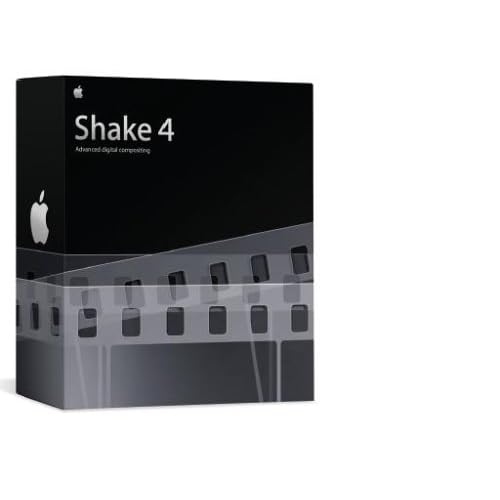
Apple Shake 4.1 Visual Effects is the program to use when you are interested in enhancing your video and adding great details to it. This software is really about playing with the video that you have, not just packaging it for your family to view.
The professional grade features and the general fun that you can have figuring them out and implementing them are aspects that make the cost more than worth it.
It should be noted that the platform to use this software is more limited, though you can download the right operating system on your Mac to ensure that you will be able to use the software without any problems.
5. Adobe Photoshop CS
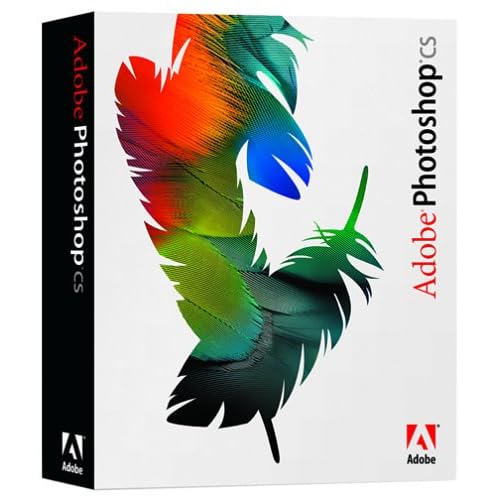
Adobe Photoshop CS can be used by photographers, web designers and video producers alike. The versatility of this software is something that already puts it leaps and bounds ahead of other options.
The video production and editing features of the software are equipped with professional-level tools and options. You can do everything from basic video enhancements to color correction and improvement that is more in-depth when combining video from different sources.
You can easily experiment and explore this software, which is always a good thing when you want to play around before actually using it for any kind of serious editing.


