
10 Best Webcams for PC 2020
Webcams are sold as products that are highly convenient and it is claimed that they don’t have to cost very much at all. While they are definitely great to have, the less you pay for a webcam, the less you get. While this seems obvious, it doesn’t stop thousands of buyers from purchasing a cheap webcam and then realizing it is useless.
This is not only a waste of time but delays the meeting or reunion that you were going to use the webcam for. To help you avoid this situation we have created this guide. You will be able to find a list of the top ten webcams for a PC on the market and all of the information you need to make the right choice.
Features to Think About
- Megapixels. As with ordinary cameras, the more megapixels that a webcam has the clearer the image that it will capture. While this use to be a very important issue to pay attention to, it isn’t so much anymore due to the incredible quality of a lot of webcams.
The only time you need to consider megapixels is if you want the best webcam for PC to capture an entire room, such as a board meeting, in a great amount of detail.
- Lens Quality. This is an often forgotten part of a webcam. There are several cheaper models that come with a plastic lens, which clearly lowers the resulting quality. For the best results, make sure the lens is glass and of the highest quality.
- Frame Rate. The megapixels represent the vividness of the video; the frame rate dictates the smoothness. Basically, this number refers to how many frames are displayed per second. For those looking for a general webcam then 30 frames per second will be enough. For those who want the ultimate smoothness, you should only be considering webcams with 60 frames per second and higher.
Top 10 Webcams for PC Comparison Chart
| Picture | Name | Best Feature | Price | Rating (1-5) |
|---|---|---|---|---|
 | 1. Logitech HD Webcam C310 | Automatic light correction. | $$$ | 4.5 |
 | 2. Logitech HD Pro Webcam C920, Widescreen Video Calling and Recording | Built-in dual stereo microphones. | $$$$ | 4.5 |
 | 3. Microsoft LifeCam HD-3000 Webcam - Black (T3H-00011) | TrueColor Technology. | $$$ | 4.4 |
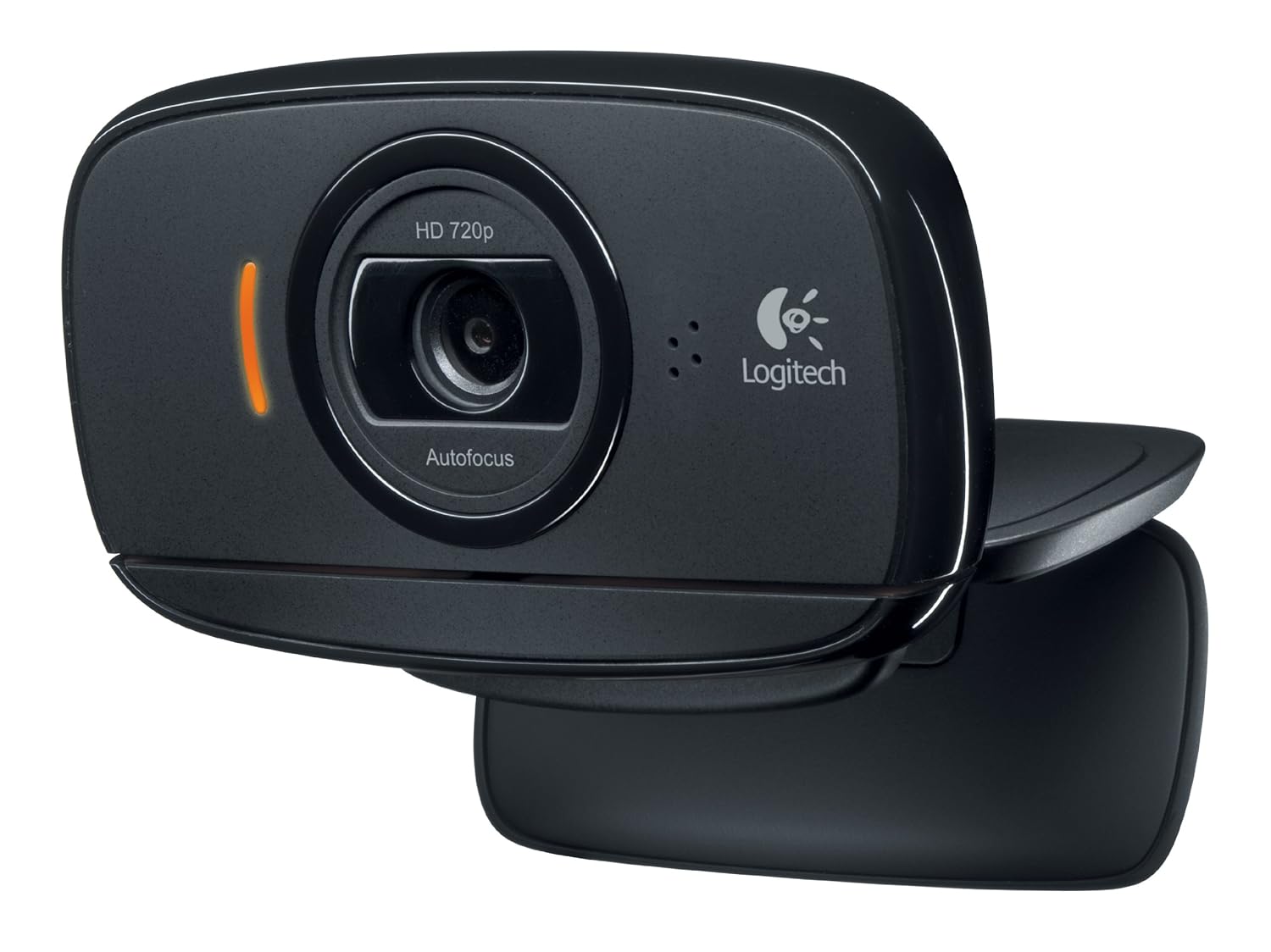 | 4. Logitech HD Webcam C525, Portable HD 720p Video Calling | One-click upload to social media. | $$$ | 4.4 |
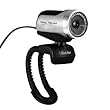 | 5. TeckNet® 1080P HD Webcam With Built-in Microphone | Noise-cancelling microphone. | $$$ | 4.2 |
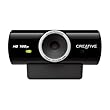 | 6. Creative Live! Cam Sync HD 720P Webcam | One touch upload to Photobucket or YouTube. | $$ | 3.8 |
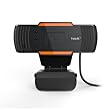 | 7. HAVIT HV-N5086 Camera and Webcam | Compatible with popular video services like Skype. | $$ | 3.7 |
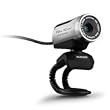 | 8. AUSDOM 1080P HD USB Webcam Network Camera | Full HD. | $$$ | 3.7 |
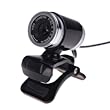 | 9. Docooler USB 2.0 12 Megapixel HD Camera Web Cam | Designed for both laptop and desktop use. | $$ | 3.2 |
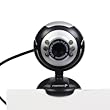 | 10. Fosmon 12.0 Megapixel USB 6 LED PC Webcam Camera | LED lights for night vision viewing. | $ | 2.9 |
Which Is the Best Webcam for PC?
While the previously mentioned features are certainly important, there are two main factors that you need to consider more than the others.
- Continuous Autofocus. While this is a standard on the very best webcams, they are not all equal in their ability to provide autofocus. This feature allows for there to be a lot of movement in front of the camera and for the image to stay in focus at all times. It will also keep the person in the foreground the focus no matter what is happening in the background.
- Low Light Quality. Many of the products on our list come with specialized features to deal with low light settings. This is usually where cheaper webcams fail the user, as the worse the light quality the worse the resulting picture. If you are going to be using the webcam in anything but brightly lit areas, then you should certainly consider the low light quality of the product.
Top 3 Best Webcams for PC Reviews
1. Logitech HD Webcam C310
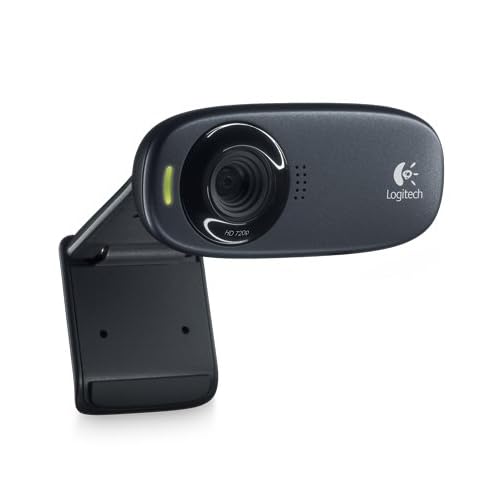
The quality of the whole visual picture you get with the Logitech HD Webcam C310 is really unbeatable. From the recording video from the camera to what shows up on your computer the images are always clear and always true to life.
This is a relatively cheap webcam considering how useful it is as an additional tool for any PC. The installation is really straightforward too. No additional software needed. You simply plug it in and use it.
In addition to the quality of the camera, the microphone is also much better than you would expect from such an affordable webcam. The light positioning also seems to be much better than other options too. Buying this device means having a webcam you can rely on to work well.
2. Logitech HD Pro Webcam C920
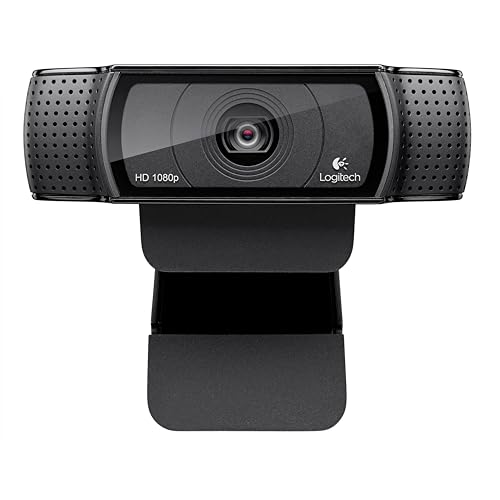
The Logitech HD Pro Webcam is a device that has widescreen video calling and recording, which makes it more versatile than other webcams on the market. It is compatible with all of the major video calling apps and services, which is obviously a necessity.
What makes this the best webcam for PC is a combination of the things that this webcam can do as well as the systems that it can work with and the ease of use. Once you plug this camera in, you will quickly experience the high-quality images, the auto-correcting light and the precise focus of the lenses.
This is a webcam that looks great on top of any computer. It will not take away from your PC aesthetically or add a massive chunk of software on the top of your screen.
3. Microsoft LifeCam HD-3000 Webcam
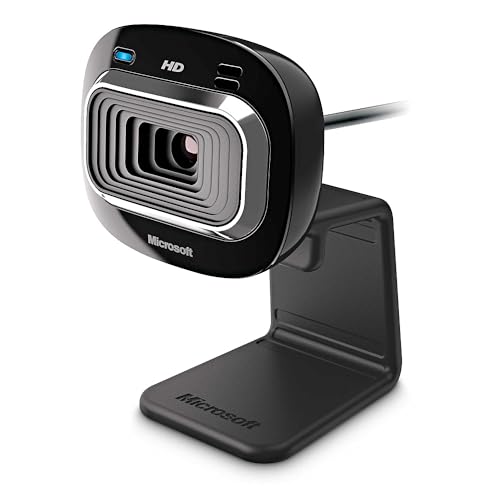
First off, the look of the Microsoft LifeCam HD-3000 is unique and much subtler than the larger wide-angle cameras out there. This is a Skype certified device but it works with most apps and services.
The image quality is something that you will notice from the first time you use this webcam. The TrueColor Technology that is used by Microsoft in this camera means that all of the images are true to life in the vividness of the colors being displayed.
The mount for this webcam is extremely flexible and easy to hook onto the monitor of your PC. You will barely even notice that it is there when it isn’t in use either because it is quite small.


